ChatGPT
ChatGPT enhances creativity in text generation, coding, and image queries within an AI-powered chatbot.

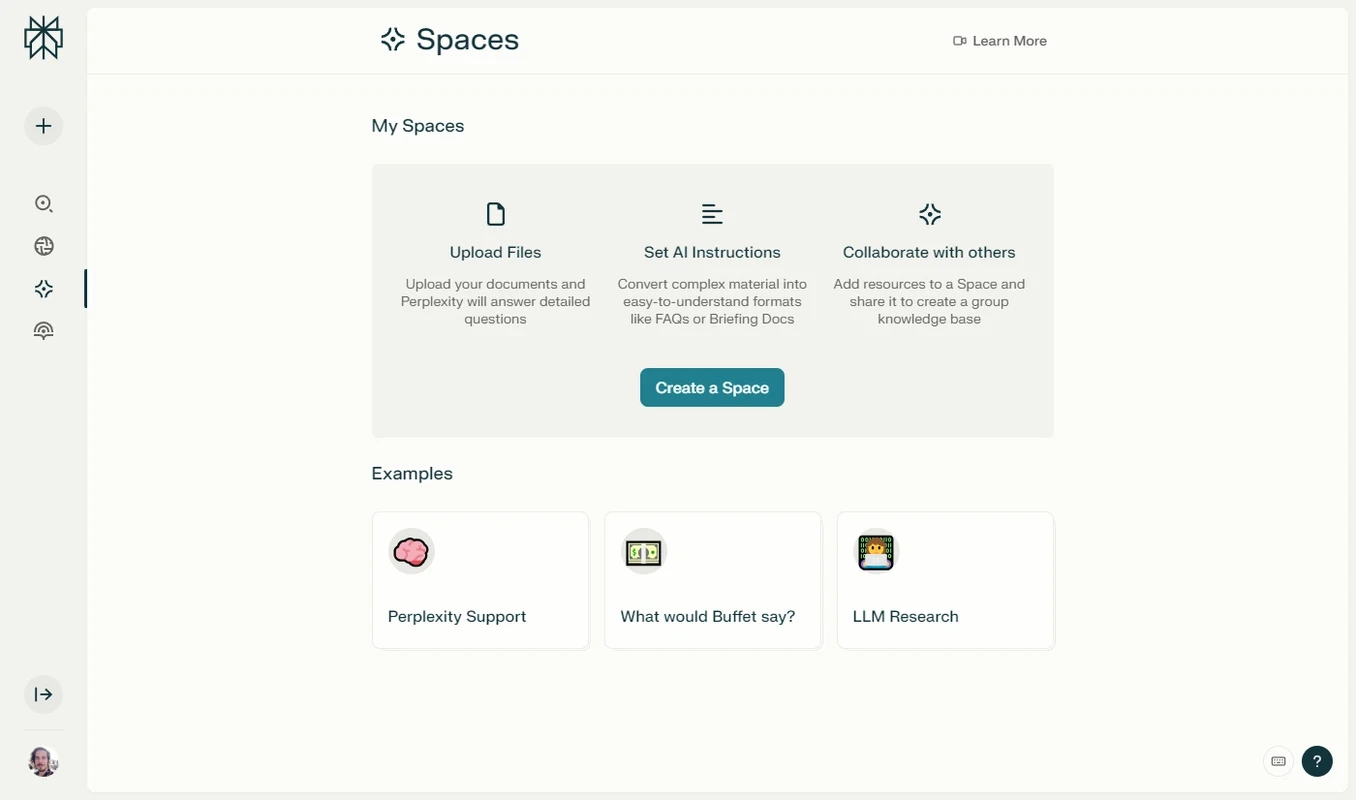


Perplexity is a cutting-edge AI-powered search engine available as an official desktop client. It offers conversational-based answers to your queries while using the Large Language Models (LLM). It works similarly to other modern AI services to offer accurate and context-aware detailed answers.
It is a powerful utility with free services that replaces the typical conventional search engine while offering multiple advanced features. It offers information along with the source of information, and also mentions other related topics for your ease in getting a smart amount of content.
Perplexity was developed by a team of efficient engineers and was released in August 2022. It is available as a desktop client, an extension for Google Chrome, and also an app for Android and iOS. It is available in both versions: free and paid.
The ground-breaking software not only helps to satisfy your discovery and curiosity, but also helps to operate multiple other tasks, such as creating summaries, exploring new topics, coding, generating and creating AI images, and other such activities.
The app, with a modern and highly intuitive interface, doesn’t require any registration process; instead, you can use it as a guest account, directly navigate to the search bar at the top of the screen, and start chatting with your AI wizard. But if you want to save your threads, you have to create an account using your Google account.
You can type your question in the search bar and hit the “enter” key. In response, the tool will generate a detailed answer with references. You will also find follow-up questions for maintaining the context throughout the conversation.
The app works similarly to other AI tools; ChatGPT, Claude, and DeepSeek give detailed answers to your questions. It uses the follow-up question option to offer clearer and detailed information. If you ask a question about two different theories, the AI tool will give you details of both theories while offering up to five different sources, so you can get more clarification.
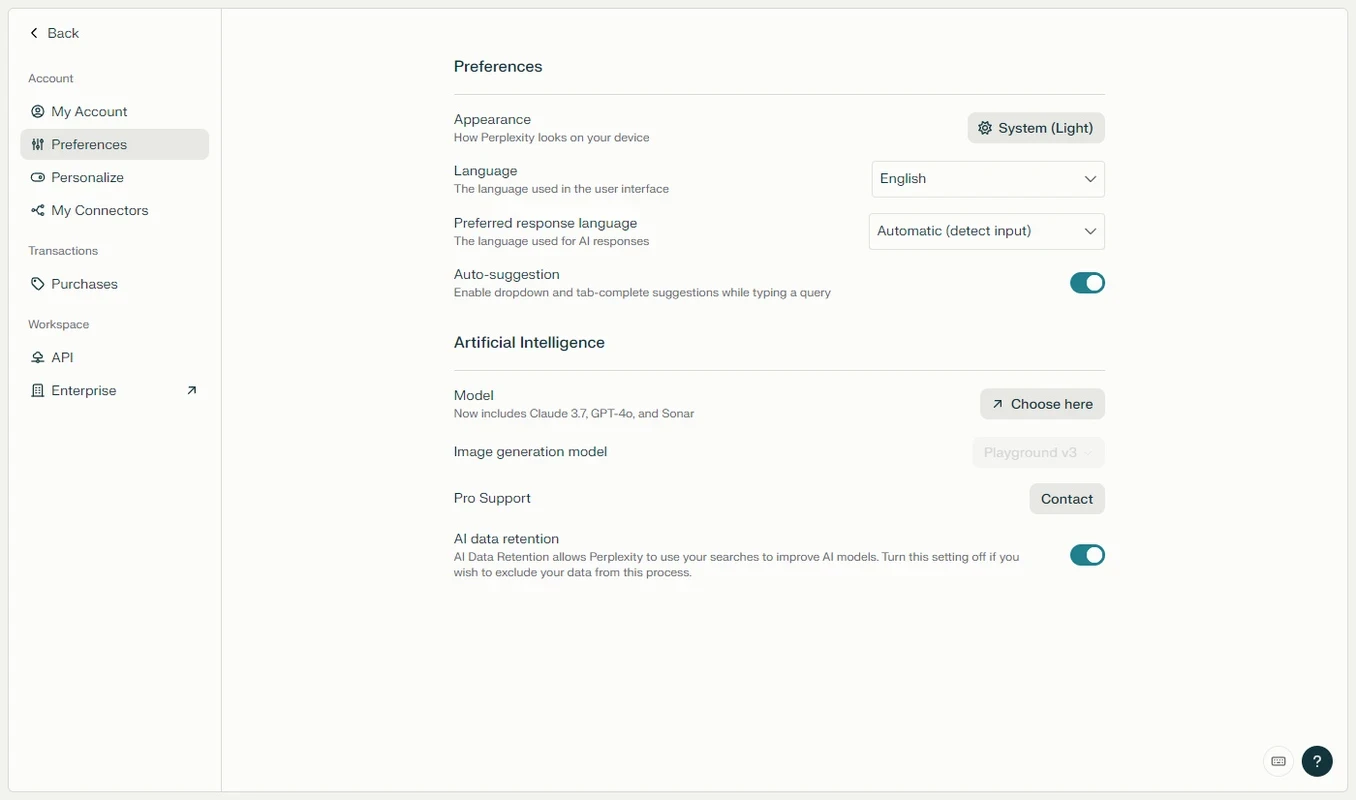
The support for multiple languages helps users to use the innovative AI wizard with more reliability. The tool has English language by default, but you have multiple options to select your native language as your default language to manage your search process in the way you want.
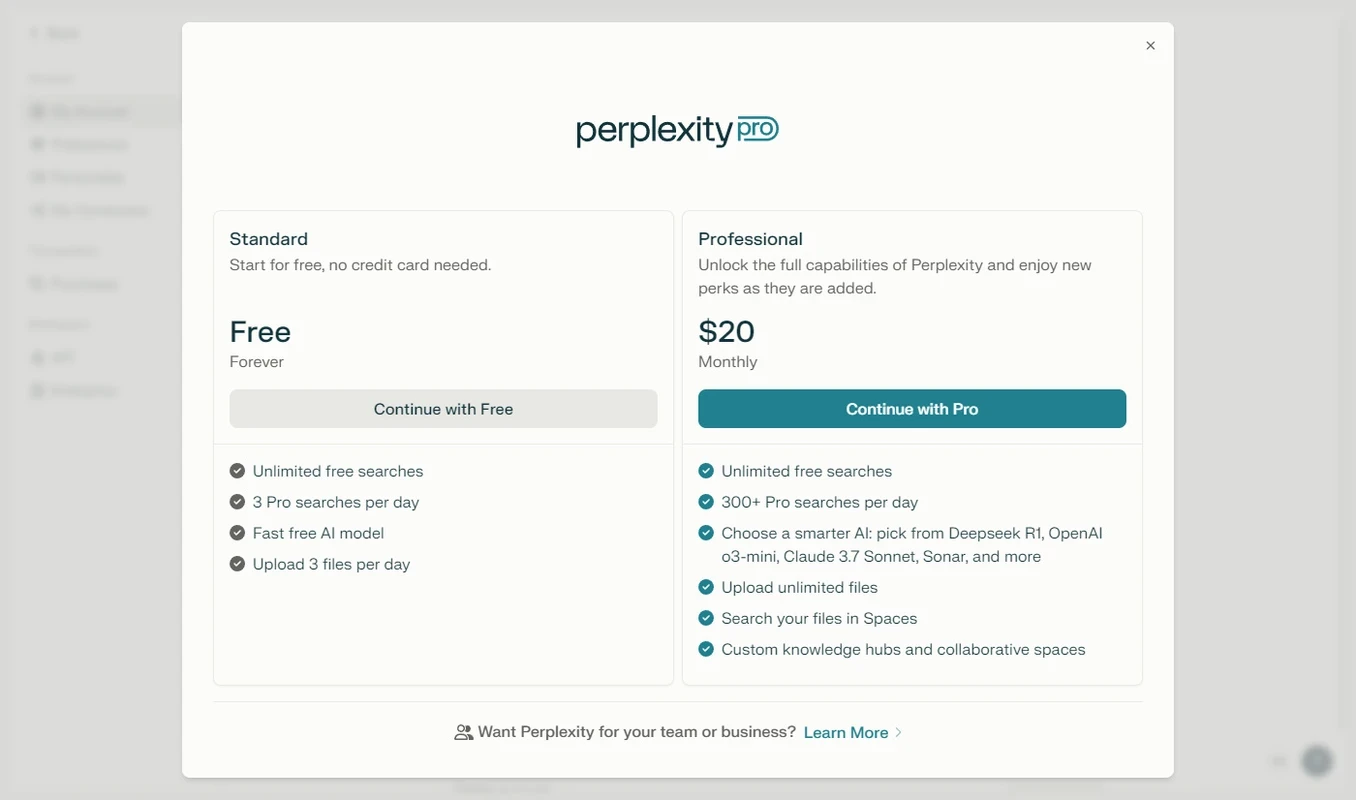
You have the option to use the app for free and avail all basic features without paying any fees. But you can purchase the subscription plan to avail the advanced features to use as a professional or an enterprise. In the free version, you can upload three files and three Pro searches per day, but with the Pro version, you can avail 300 Pro searches and upload limitless files daily. Moreover, the Pro searches are more accurate and deeper with refined outputs.
The app is available Windows operating system, and you can also run it through your mobile’s browser on your PC and Android device as well. Moreover, it is integrated with multiple APIs to enhance your workflows.
The app offers a history option to store every one of your search threads. It is helpful for users who use the app for multiple productivity apps and can quickly access stored threads to use them again.
The app with integration of Amazon and Nvidia has launched a Shopping Hub as an online shopping platform. It offers AI-generated product recommendations and enables users to continue their shopping process right from Perplexity’s interface.
Comet is a Chromium-based AI browser, which is one of the key features of Perplexity, as it has shunned the limitation of accessing to browser that was only possible for the most expensive subscription tiers. The browser is integrated with the Perplexity search engine and allows users to create article summaries, describe an image, and so on.
You will find multiple customization options to configure your interface while selecting light or dark theme, or simply stay with the system theme as well. The layout density is also available in compact, balanced, or comfortable. Moreover, you can set your memory allocation to auto-adjust or manual, and also manage your privacy controls.
The Perplexity AI offers multiple specific features of Windows that aren’t available in the browser version, such as;
Pros
Cons

ChatGPT enhances creativity in text generation, coding, and image queries within an AI-powered chatbot.

Create eye-catching presentations while embedding media, including color, theme, GIFs, and videos

Microsoft Copilot is an AI-powered utility to enable users to work smarter and enhance their productivity